Asus RT-AC 66U is probably the most robust SOHO router available in Nepalese market currently. Here we review awesome Home and Office Router ASUS RT-AC66U, and possibilities are unlimited with Asus RT-AC66U. Explore features of Asus networking advancement for home users or small office users with screenshots here.
ASUS RT-AC66U features
- 802.11ac Concurrent Dual-band AC1750. (450 Mbps/ 2.4GHz + 1300 Mbps/ 5GHz)
- ASUS AiCloud unlimitedly access, streaming, and sync files everywhere with any devices.
- 4 x Gigabit Ethernet ports. 2 x USB 2.0 ports for fast file and printer sharing.
- High Level Current Usage for superior download and gaming performance or multi client connections.
- Provision for FTP access and application-specific bandwidth control.
- Robust parental control features and network optimization options.
- Wide range of traffic management (QoS) feature to ensure bandwidth operation.

Asus RT-AC66U Set up
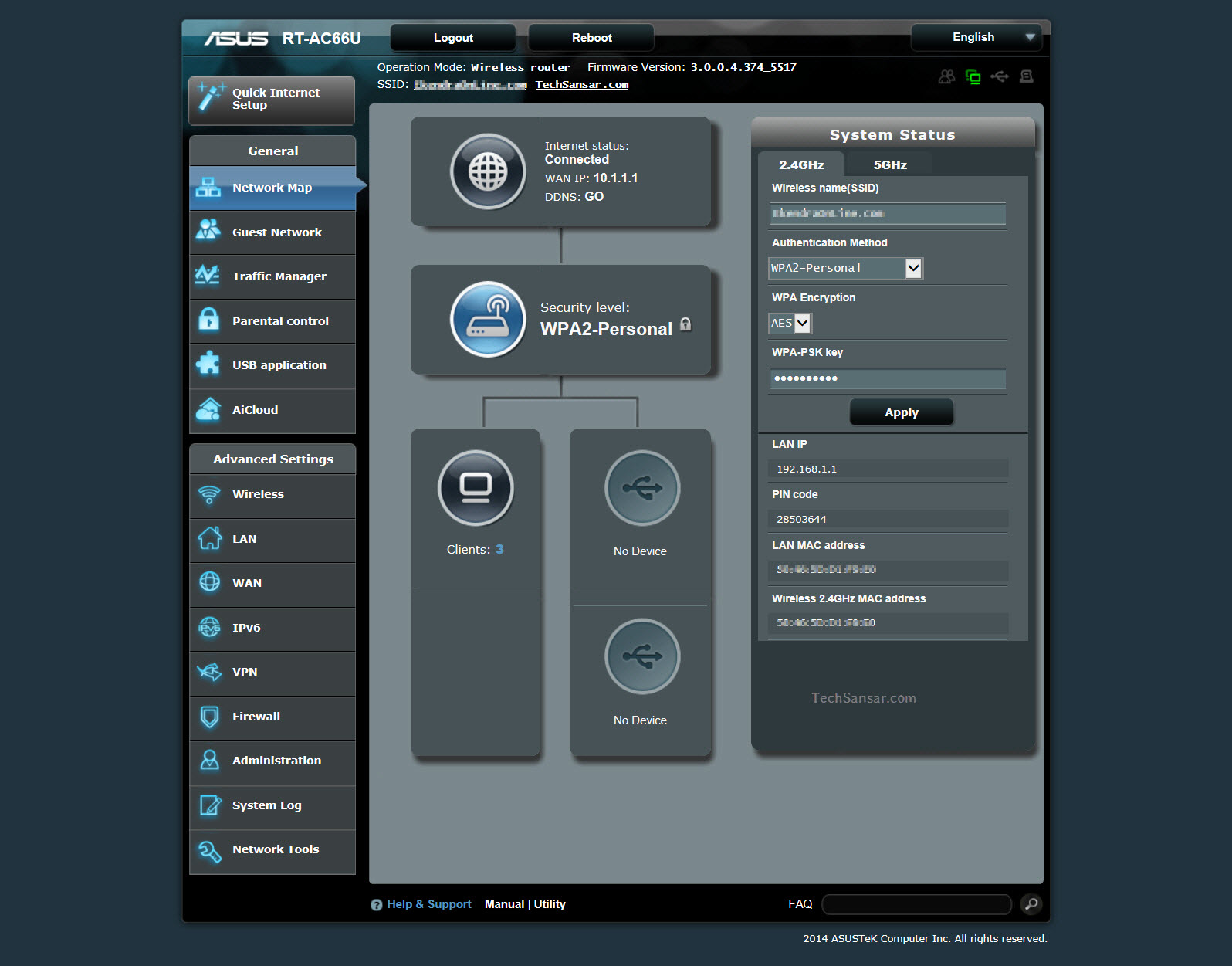
To set up Asus RT-AC66U is an easy job. Open the router’s access page ie url 192.168.1.1 on your browser. For the first time, it will ask you to quick set up Internet just like in any Asus networking family devices.

The default Asus router username and password is admin/admin.

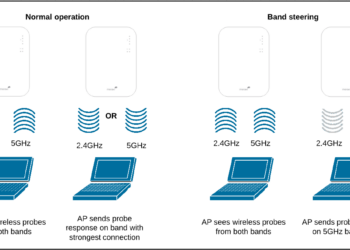
One optimized use can be; your older devices can connect to 2.4 GHz wireless network while the newer smart phones like Google Nexus, Pixels and iPhones can be connected to 5 GHz WiFi. This also helps you with WiFi isolation.


The advanced settings include preferences for wireless networks, LAN, WAN, IPv6 settings, VPN user profiles, strong firewall options, administration of the device and network tools that would make any common user wwow.

To enable QoS function, you need to operate the QoS switch and provide bandwidth information from ISP mainly for upload and download bandwidth. If you want to prioritize specific network applications and network devices, select your preferred priority from the User-defined QoS rules.

In summary, Asus RT AC66U is a perfect router for both home users and small office users that provides any networking feature users might be searching in a high-end router.